← Help / Your requests and files
Choose email or text
Get a text as well as the email when your proof is ready, your files are done, or the designer needs something.
The Design Portal always emails you about your requests. You can choose to get a text as well, notice by notice.
- Sign in, then open the menu under your name (top right) and choose My notifications.
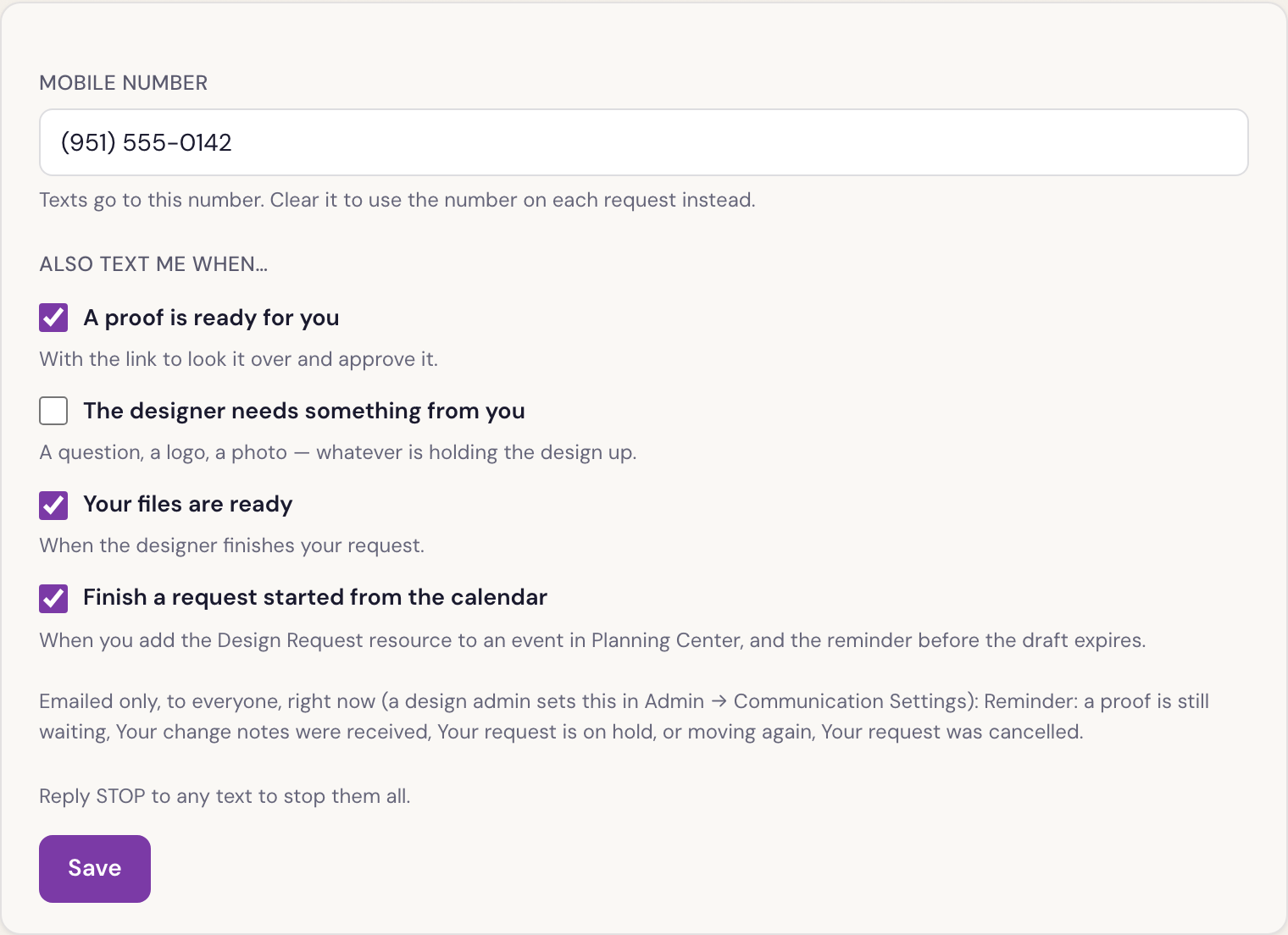
- Under Mobile number, put the number to text. Leave it blank to use the mobile number on each request.
- Under Also text me when…, tick the notices you want texted, for example A proof is ready for you or Your files are ready. Untick any you don’t.
- Press Save.
Good to know
- The email always comes, whatever you tick.
- A notice listed under Emailed only, to everyone, right now isn’t being texted to anyone at the moment, so there’s nothing to choose.
- Reply STOP to any text to stop them all.
Was something here unclear, or out of date? Email design@revival.tv or use Something unclear? at the bottom of the page.