← Help / Your requests and files
Get your finished files
Download the finished artwork once the designer marks your request done.
When everything is finished you get an email: Your project is ready.
- Press a file in the email to download it, or View all your files → to see them all.
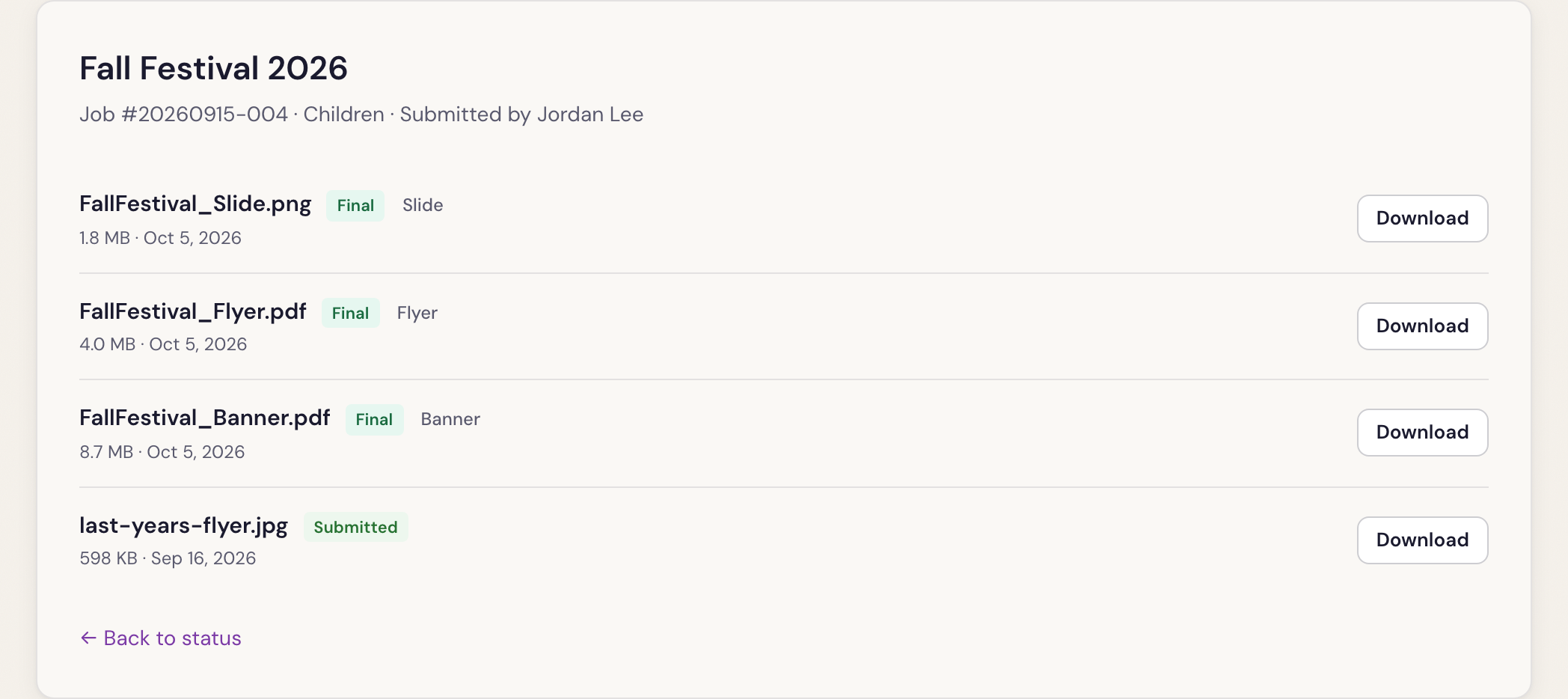
- On the files page, press Download beside each file. Finished files are marked Final; the ones you sent in are marked Submitted.
Save them somewhere of your own. Files you uploaded with your request are cleared after 90 days.
Need a change? Reply to the email.
Was something here unclear, or out of date? Email design@revival.tv or use Something unclear? at the bottom of the page.