← Help / Your requests and files
Leave a comment or add files
Ask the designer a question, or send another photo or logo, from My Requests.
Leave a comment
- Open the request in My Requests.
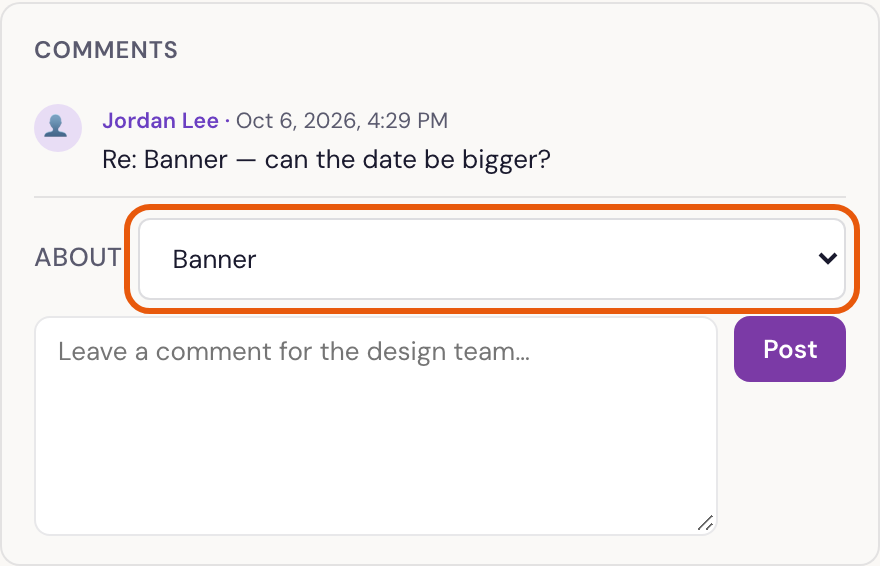
- Under Comments, type in Leave a comment for the design team…
- If the request has several pieces, choose which one under About, or leave it on The whole request.
- Press Post.
The designer is told in Slack straight away, and their reply shows in the same place.
Add more files
- Under 📎 Add more files, click to open it.
- Choose the files, then press Upload. They aren’t sent until you press it.
When the designer is waiting on you
If the request says ⏳ Waiting on you, the designer has asked for something. Type your answer, attach files if needed, and press Send Response.
Was something here unclear, or out of date? Email design@revival.tv or use Something unclear? at the bottom of the page.